
Page Builder & Design Library
Every page is rows and items you edit in place
Open a page and click a row. The sidebar shows exactly what that row holds: headings, body text, images, buttons and links. Change the copy, swap an image, pick a section preset, adjust the spacing or add a class. The preview updates as you work.
Each row is made of items: a heading, a paragraph, an image, a button. Add, duplicate, reorder or remove them from the same sidebar, and pull in a whole new row from the library when a page needs one.
See how AI helps you build →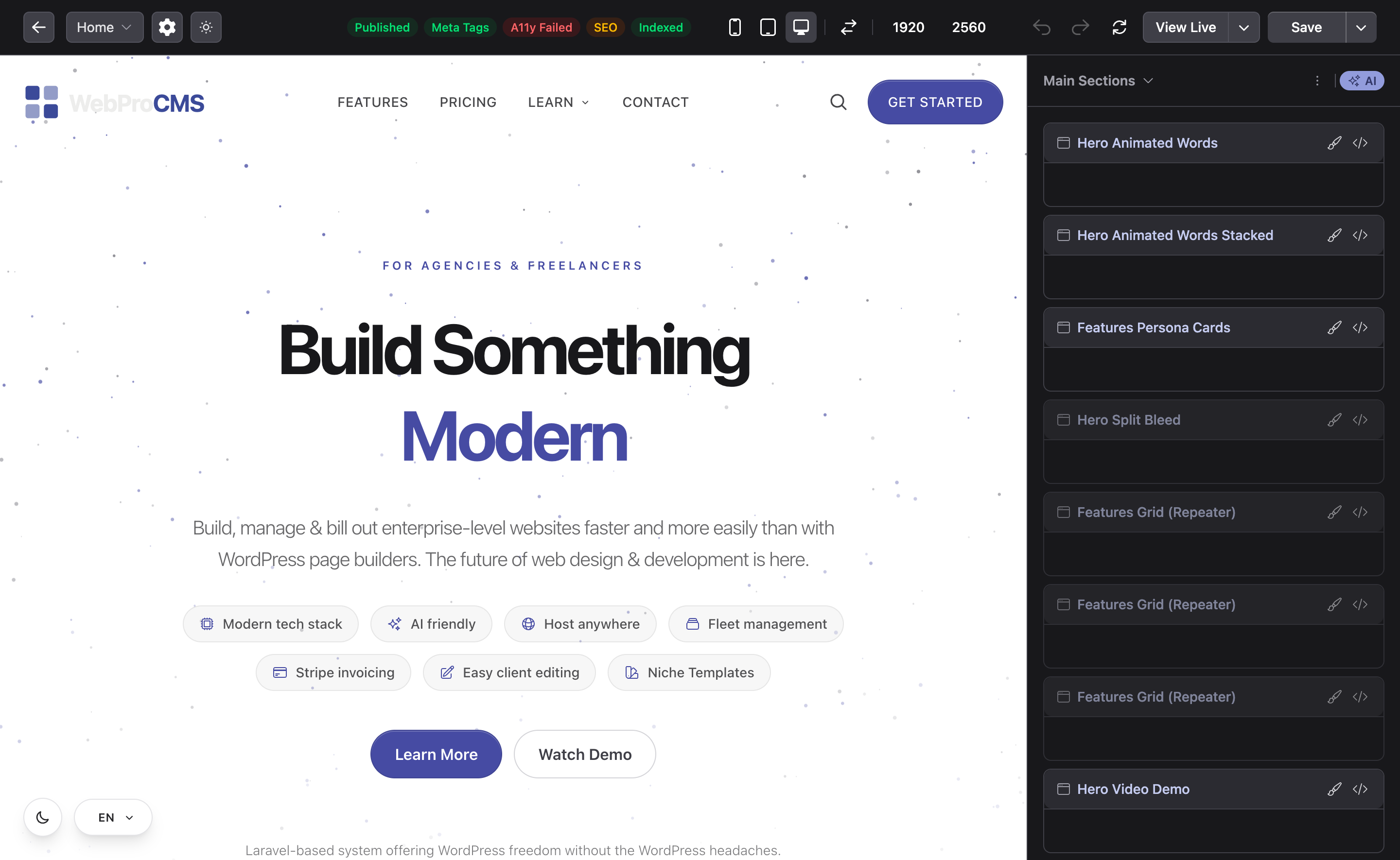
Design library
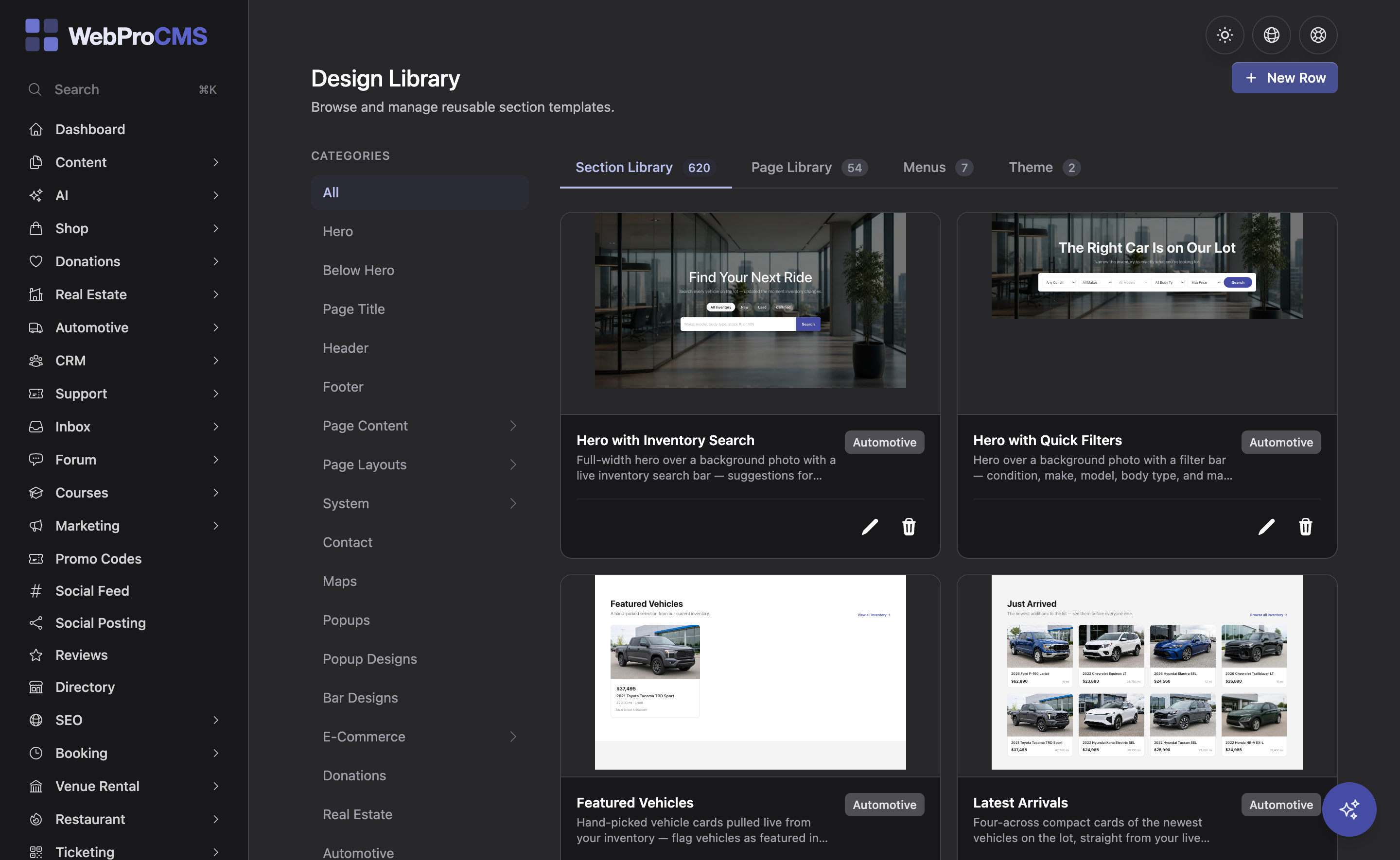
600+ templates built from one set of primitives
Heroes, feature grids, pricing tables, galleries, headers, footers, contact rows, FAQs and rows built for specific industries. Pick one, drop it on the page, and every piece of it is editable. Because each template is assembled from the same primitives, rows from different families share one vocabulary for spacing, color and type, so they sit together on a page without clashing. Rows that repeat are built as loops rather than ten copies of the same card: one set of elements and utility classes drives every item, so making the card titles bigger is one edit instead of ten. That holds whether the items come from a content type or are simply a list you typed into the row.
Get Started Free →Shared rows and themes
Change the header once. It changes everywhere.
The header, footer, page-title band and closing CTA are shared rows: edit one and every page picks up the change. Themes bundle a set of pages with their branding, so a finished site can be exported and imported on the next install as a starting point. Need a row the library does not have? Custom rows and custom primitives can be authored per install, and they live in a folder the updater never touches.
Extend the builder as a developer →
One media library, every size handled for you
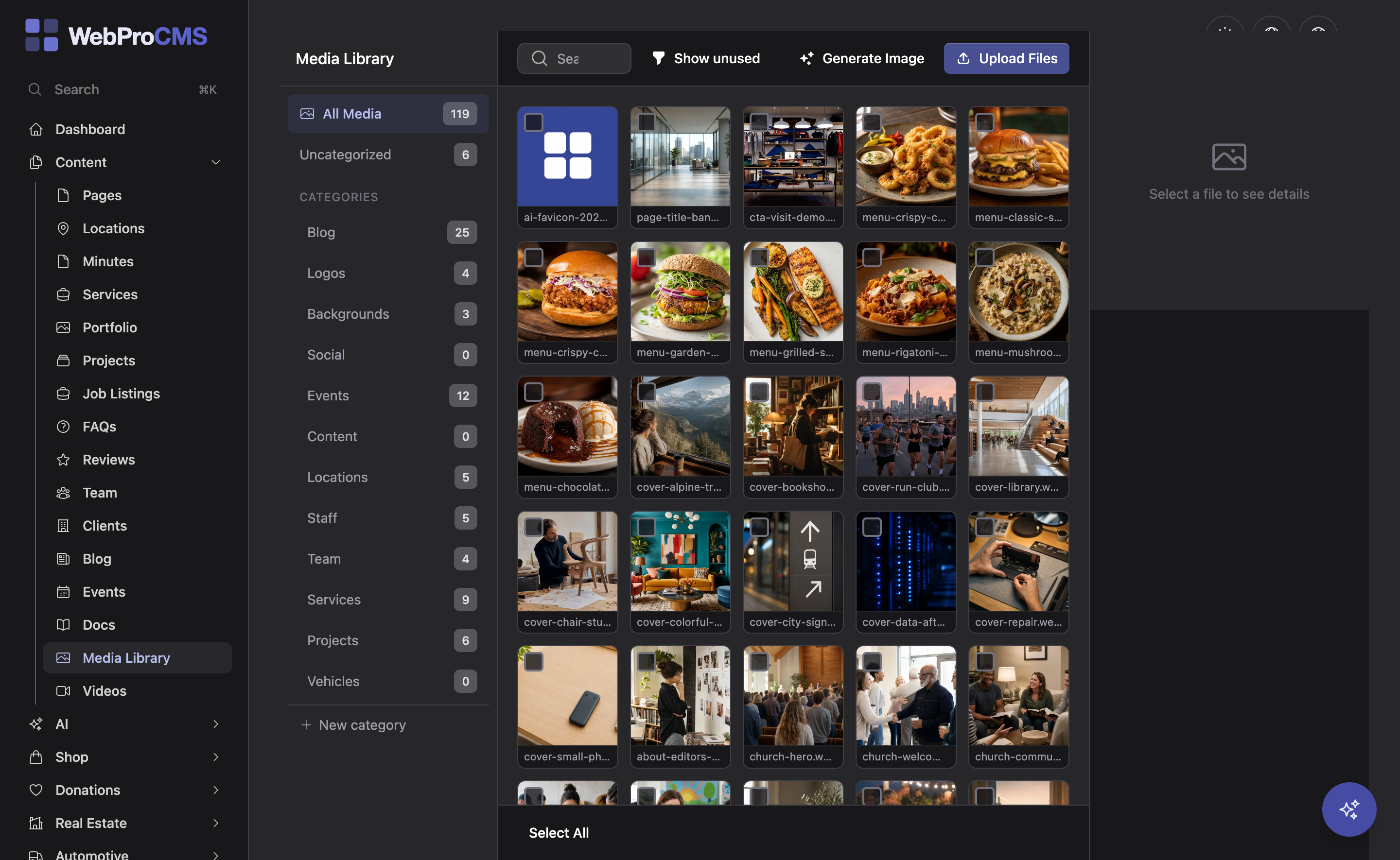
Upload an image once. The responsive image pipeline generates the variants, sizes them to the slot they fill, and serves them as static files.
Every image is delivered in modern formats, generated from the one original you uploaded.
A srcset is built from the widths the row actually renders at, so a phone is not sent a desktop-sized file.
Set the point that matters and every crop keeps it in frame.
Turn quality up for one photo that bands, or down for one that does not need it, without touching the rest of the site.
Structured content with typed fields, not a pile of pages
Define a content type once: services, team members, projects, locations, meeting minutes, anything with a shape. Give it typed fields, relations to other types and taxonomies. Each record gets its own page, and listings pull from the records, so a new entry shows up everywhere it belongs.
Choose a detail layout per record from the design library, schedule publishing, and run the blog, with categories and comments, on the same system.
See the industry solutions →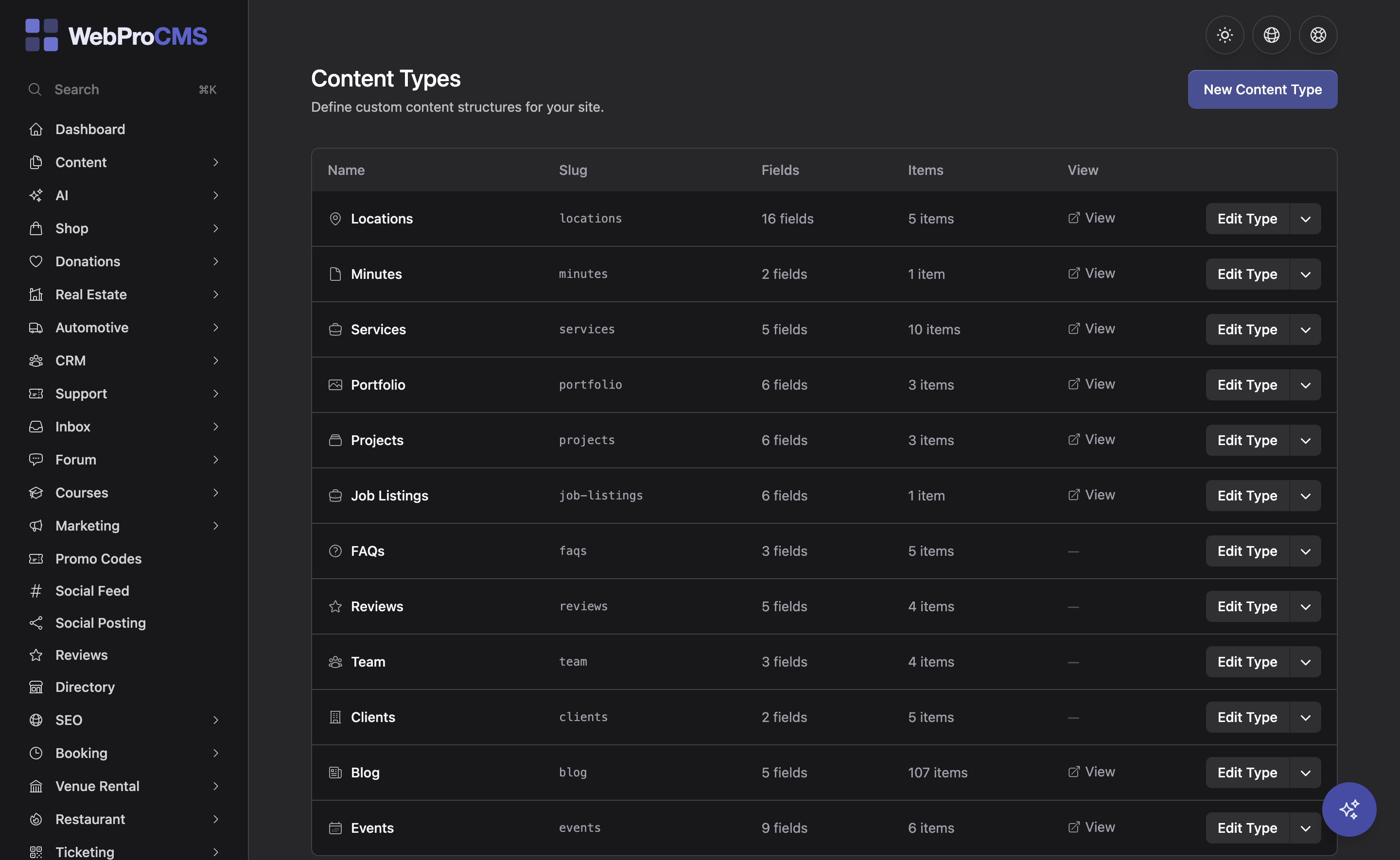
Branding
Set the brand once and every row follows it
Colors, type and spacing are site settings, not per-page choices. Change them and the whole site moves with them, including the rows you have not built yet.
Three color families
Primary, secondary and tone, each expanded into a 19-shade palette you can use anywhere a class goes.
Section presets
Light, light-alt, dark, dark-alt, primary and more. Pick one per row and its text, links and buttons adapt to the surface.
Typography presets
Choose the heading and body pairing once and every row uses it.
Section spacing
Small, medium or large rhythm, applied to every row on the site at once.
Dark mode
Built in, so the whole site reads well in light or dark.
Logo and favicon tooling
Upload the logo, generate the favicon set, and the header and browser tab are covered.
Classes when you want them
Add a Tailwind class to any element when a preset is not quite enough.
Per-row overrides
Give a single row a different surface, spacing or color when the page calls for it.
The details that make a page finished
Forms, motion, visibility, and the checks that catch a problem before a visitor does.
Forms builder
Build contact, quote and application forms, place them on any page, and read every submission in an inbox. Spam protection is built in.
Entrance animations
Pick an entrance animation for a row or an element from the sidebar and it plays as the visitor scrolls to it. No code.
Visibility rules
Decide where a row shows and where it stays hidden without duplicating the page. One layout, the right rows for each visitor.
Responsive preview
Switch the live preview between phone, tablet and desktop widths while you edit, so a stacked card grid is never a surprise on launch day.
Accessibility scanner
Scan any public page for WCAG issues from the dashboard or right inside the editor, and fix them before you publish.
SEO on every page
Meta title and description, Open Graph tags, JSON-LD for your organization, FAQs and breadcrumbs, and a sitemap that updates itself. No plugin to install.
Translations that know when they are out of date
Run the site in more than one language without serving copy that quietly went stale.
Multi-language sites
Add a second language and translate pages, menus and content records field by field.
Provenance on every translation
Each translation records the source text it was made from, so the system can tell whether the original has changed since.
Stale is detected, not served
Edit the base copy and every translation of it is flagged as stale instead of being served as if it were current. You see the list and decide what to refresh.
AI translation with a reviewer pass
Translate a page or a whole language with your own AI key, and a reviewer pass checks the output.