
Marketing & Growth
Every growth tool lives in the same dashboard as your site
Email, SMS and web-push campaigns, a CRM, SEO tools, reviews, social feeds, an affiliate program and analytics are built into WebProCMS. One login, no third-party dashboards to stitch together, and every subscriber, contact and campaign lives in your own database.
Turn each one on from Settings → Features when you need it. There is nothing extra to install, and a feature you leave off stays out of the way.
Compare plans →
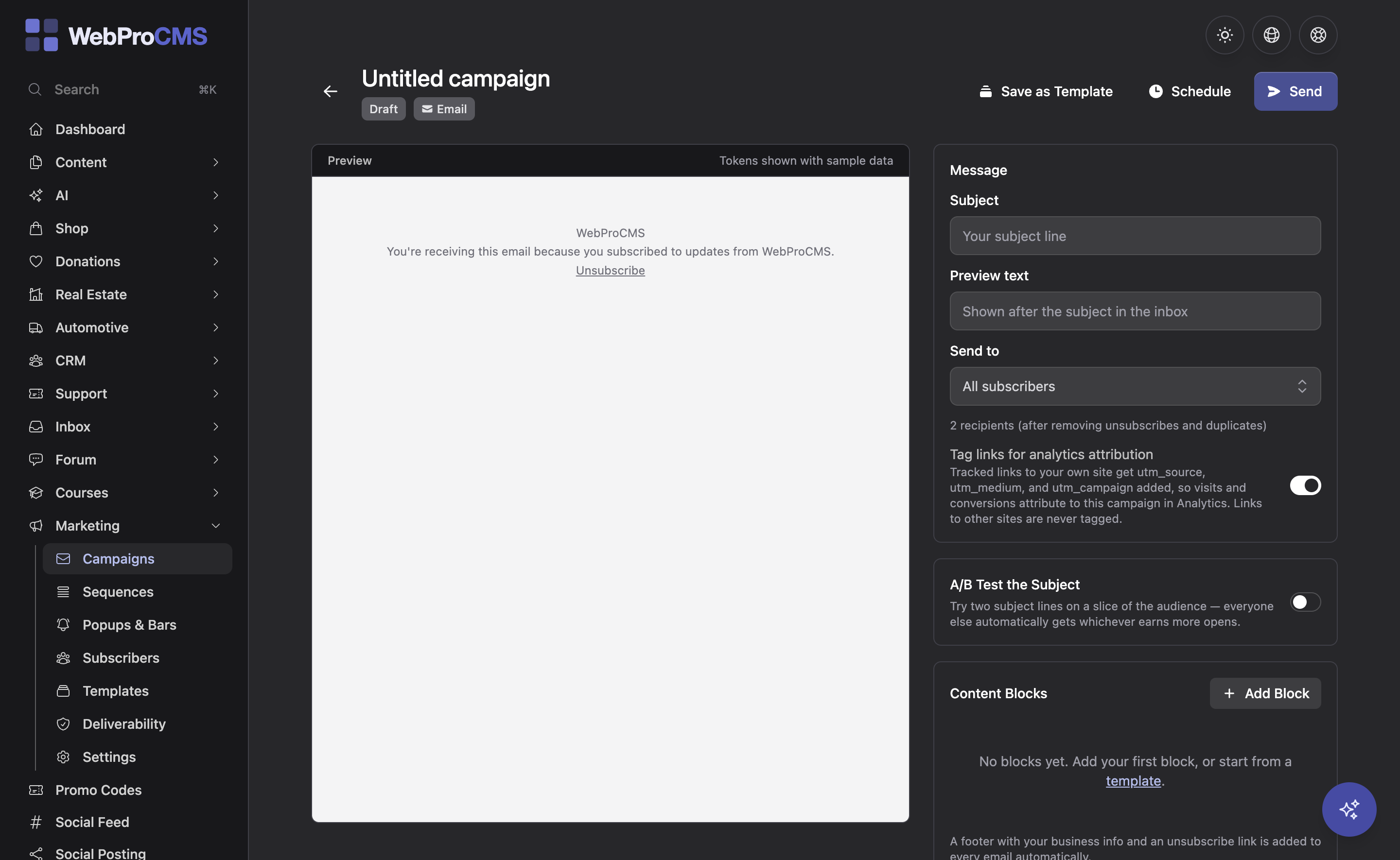
Campaigns on three channels, from one dashboard
Design and send broadcast campaigns by email, SMS or web push. Subscriber lists and CRM audiences decide who gets each one.
Broadcast to your subscriber lists on any of the three channels. SMS sends through the Twilio number you configure in Marketing.
Send to a segment of your CRM contacts instead of the whole list.
Try two subject lines against each other on the same campaign.
Automate a timed series of messages, with branches so one sequence can take more than one path.
Check your sending setup before a campaign goes out. The Domains feature walks you through SPF, DKIM and DMARC.
Turn new blog posts into a digest email without writing another campaign.
Seven more ways to bring people back
Each one is a built-in feature module you switch on from the dashboard. No plugins to hunt down and no extra logins to remember.
Popups and announcement bars
Site-wide popups and announcement bars are included with Marketing. Use them for offers, announcements and signups without a separate popup plugin.
CRM
Form submissions become leads and contacts with notes, status and follow-ups. Each staff member can email a contact from their own mailbox, so replies go back to whoever wrote. Campaigns can target any audience you define here, so the list and the pipeline are the same data.
Prospecting
Search Google for local businesses by trade and area, or sweep a whole region section by section so you can see what you have covered rather than guessing. Each site is checked for page speed and how many real service pages it has, so the list sorts by who most needs the work. The keepers import into the CRM as companies and contacts, tagged as prospects so your follow-ups can find them. Bring your own Google Places API key.
Reviews
Pull in Google, Yelp and Facebook reviews, request new ones by email, SMS, QR code or an on-site form, reply from the dashboard with AI drafts, and get an alert when a negative review lands.
Social feed embed
Show your latest Instagram, Facebook and YouTube posts on any page. Posts sync on a schedule and are served from your own site: no tracking scripts, no third-party embeds, no consent banner needed.
Social media posting
Compose, schedule and auto-post new blog posts and content updates to your connected Facebook, Instagram, LinkedIn and X accounts.
Affiliate program
Give partners referral links and coupon codes, track the signups and sales they drive, and pay one-time or recurring commissions with payout reports.
SEO
Search basics are built in. SEO Pro goes further.
Every site ships with the fundamentals. SEO Pro is a paid member feature that adds scanning, rank tracking and Google audits on top.
Meta titles and descriptions
Set them per page from the editor, with the site name appended automatically.
Sitemap and Open Graph
An XML sitemap and Open Graph tags are generated for you.
JSON-LD structured data
Organization, FAQ and breadcrumb schema, straight from the rows on the page.
Accessibility scanner
Scan pages for WCAG issues from the dashboard and the page editor.
Full-site scanning (SEO Pro)
A health score with one-click fixes, weekly re-scans and alerts.
Local rank tracking (SEO Pro)
A geo-grid shows where you rank across your service area.
Google Search Console (SEO Pro)
Connect Google Search Console to the dashboard.
Business Profile audit (SEO Pro)
A graded audit of your Google Business Profile listing with an AI action plan.
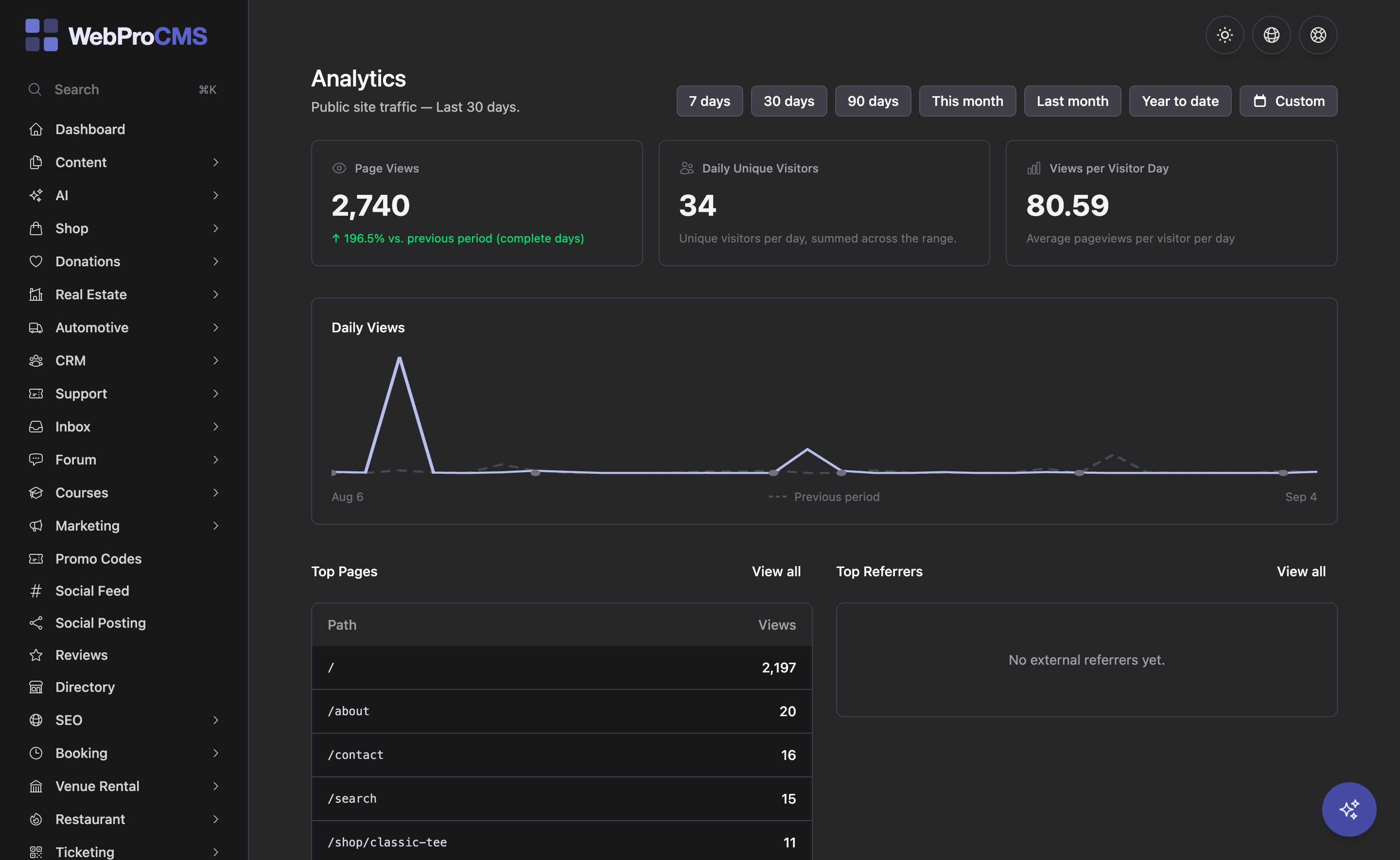
Traffic numbers without a third-party login
Privacy-friendly analytics are built into the dashboard. There is no third-party login or service to set up, so the numbers are there from the day the site goes live and visitor data stays on your own server.
Running more than one site? On Enterprise, every install reports its traffic and SEO score to your Fleet dashboard, so you can read all of them without logging into each one.
See Fleet management for agencies →One lead, from first form to social proof
The features are separate modules, but they hand work to each other. Here is the path a single lead can take without anyone touching a spreadsheet.
Capture
A form submission becomes a CRM contact with notes, status and follow-ups.
Nurture
Enroll the contact in a drip sequence, with branches so different contacts can take different paths.
Ask
When Project Tracking marks the job done, it logs it to the CRM and sends a review request automatically.
Amplify
Show the review in a Social Proof row, then let social posting and blog digests carry your next blog post to your connected social accounts and your email subscribers.
Marketing questions, answered
Still not sure how a feature fits your site?
Talk to Us